Home · Smart devices
Smart Meters And Smart Locks, Wired To The Tenancy.
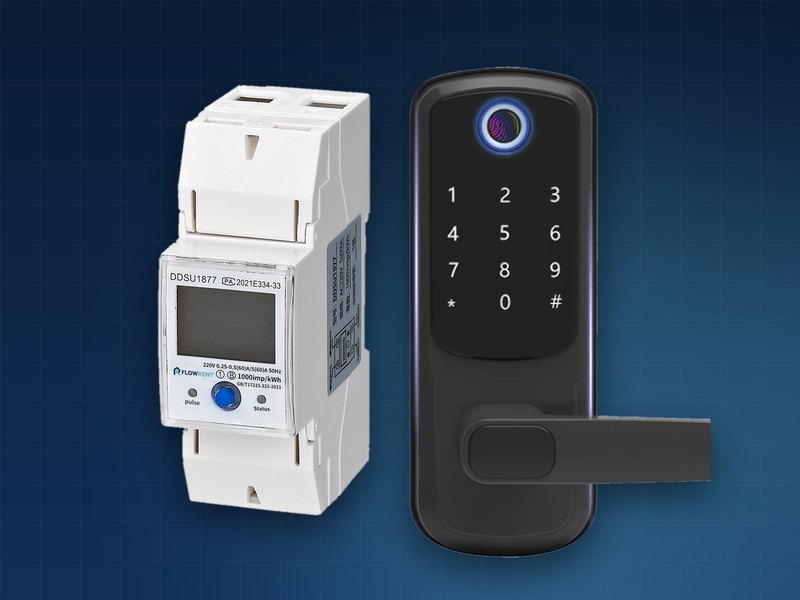
A meter in every room and a lock on every door, paired to FlowRent in the app. Readings become bills. Door codes start and end with the tenancy. You stop walking the corridor with a notebook.
Smart meter
One Meter Per Room. Each Tenant Pays Their Own.
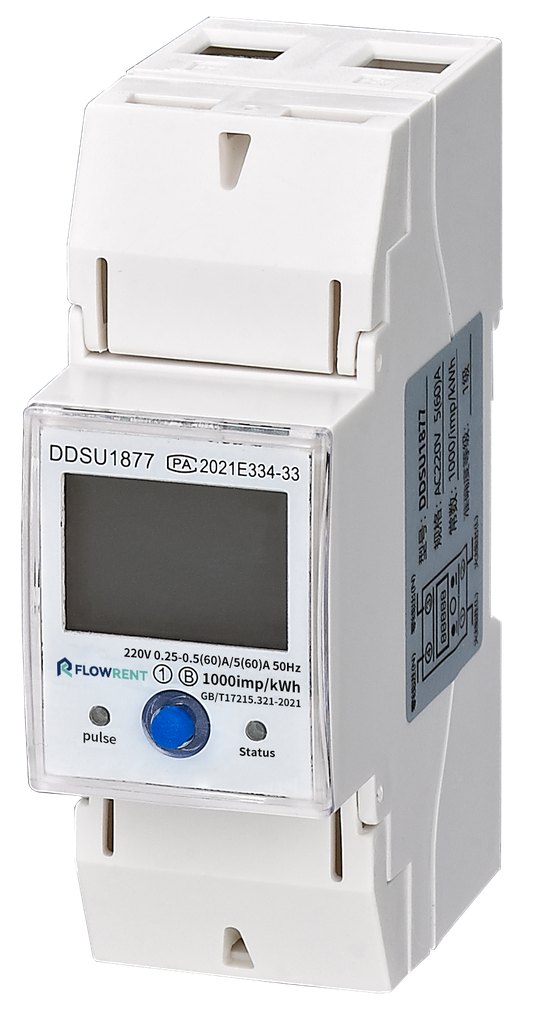
A single-phase DIN-rail meter that fits in the existing distribution box, one per room. FlowRent reads it every night, turns the reading into that tenant's electricity bill, and keeps the shared areas on the house bill.
- Nightly readings, no walking. Every room's kWh arrives in FlowRent by morning, with a usage history the tenant can see in the app.
- Prepaid or postpaid. Bill at month end, or let tenants top up in advance and see their balance.
- Remote on/off. Switch a room's power from the app when a tenant checks out or a unit sits empty.
- Shared areas stay shared. Living room, kitchen and corridor electricity stay on the house bill, which you can split across tenants.
| Type | Single-phase, DIN-rail mount |
|---|---|
| Rating | 220 V · 5(60) A · 50 Hz |
| Pulse | 1000 imp / kWh |
| Standard | GB/T 17215.321-2021 |
| Fits | One room, one meter, inside the existing DB box |
Remote power control is set up by the operator and used within the tenancy agreement and local rules.
Smart locks
A Lock On The Main Door. A Lock On Every Room.
Open with PIN, fingerprint, card or the app. A tenant's code opens the main door and their own room only. Cleaners and viewings get a code that works only during their slot. When a tenancy ends, the code ends with it.
Main door
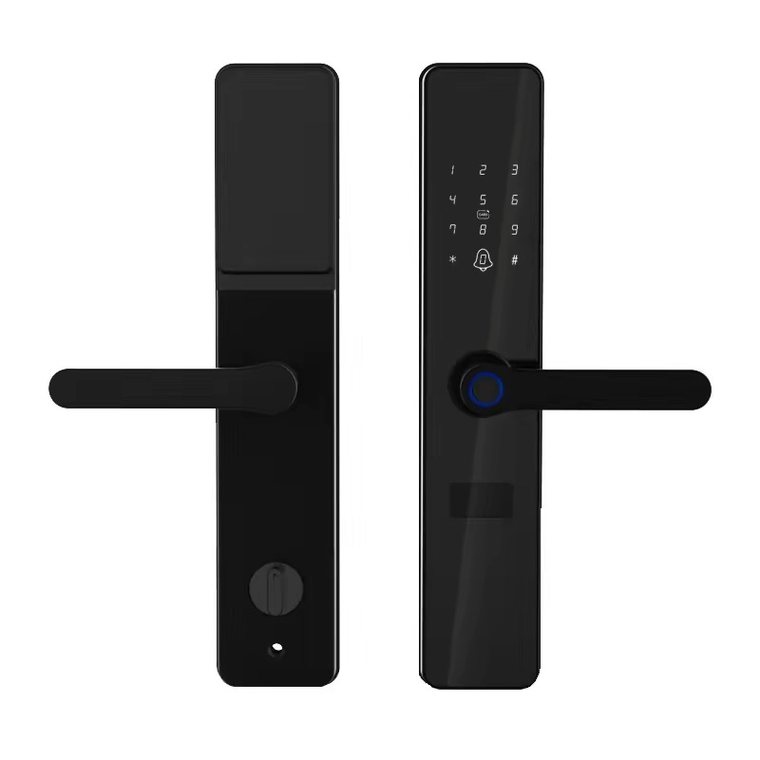
A slim lock that suits grille and main doors. Keypad and fingerprint outside, a thumb-turn inside.
- PIN · fingerprint · card · app
- Tenant and cleaner codes with time windows
- Access record kept with the tenancy
Room door
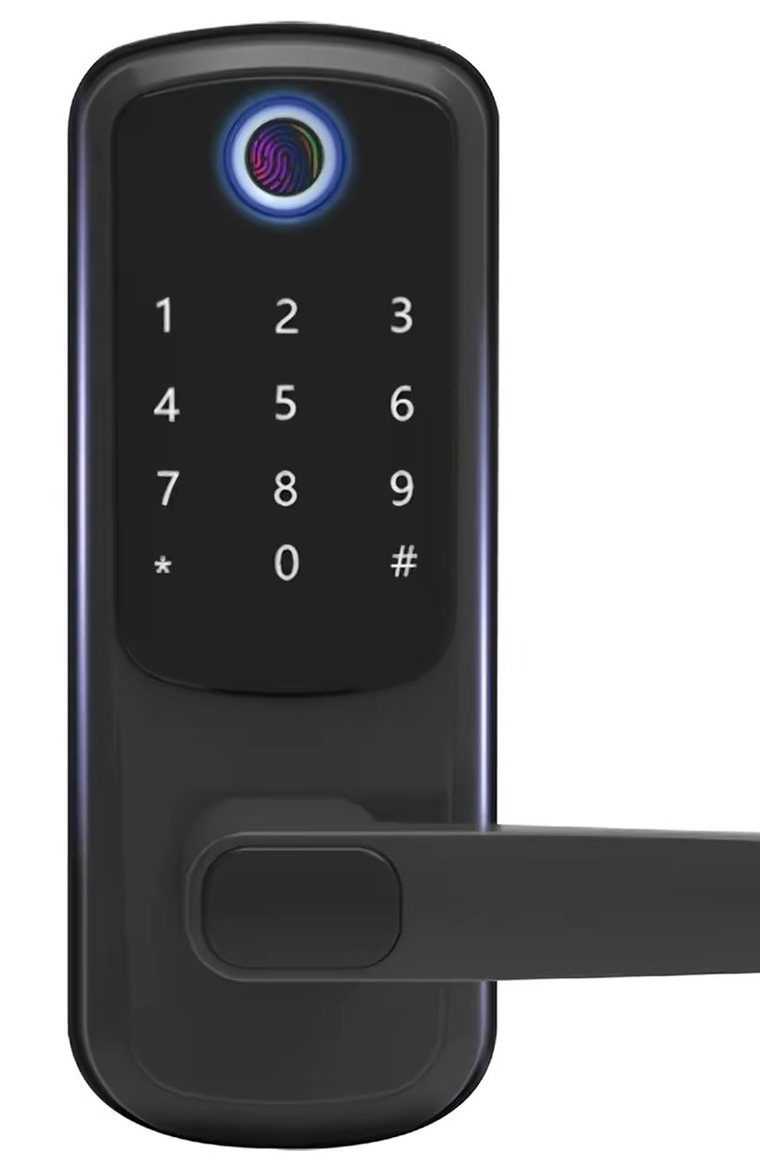
A handle lock for each room. The tenant's code opens their room and nobody else's.
- PIN · fingerprint · card · app · key backup
- Code issued at check-in, ended at check-out
- Battery-powered, AA cells
From Box To Bill In Four Steps.
- Step 1Install and pairThe meter goes in the DB box, the lock on the door. Pair each one in the FlowRent app and give it a room.
- Step 2Set the rules onceElectricity rate, prepaid or postpaid, which doors each code opens, and the cleaner's weekly slot.
- Step 3Let the month runReadings arrive every night. Codes follow check-ins and check-outs. Nothing to copy from a notebook.
- Step 4Bill and settleEach room's electricity goes on that tenant's bill. Shared power goes on the house bill. Landlord statements include it all.
Device Questions.
What operators ask before fitting their first house.
Do I need a smart meter in every room?
Only in the rooms you want to bill separately. Many operators start with the rooms that run air-conditioning. Rooms without a meter stay on the house bill.
Can a tenant see their own usage?
Yes. The tenant app shows this week's kWh, the month so far and, on prepaid, the remaining balance. Tenants see their own room only.
What if the Wi-Fi drops?
The meter keeps counting on its own. When the connection is back, FlowRent picks up the reading. Nothing is lost.
Can I use my existing smart locks?
Ask us with the brand and model. FlowRent works with the locks we supply; some other models can be paired. If yours cannot, you can still manage the tenancy in FlowRent and issue codes by hand.
Who installs the devices?
A licensed electrician fits the meter; a locksmith or handyman fits the lock. Pairing in the app takes a minute per device. Ask us if you need an installer in your area.
Start With The Software. Add Devices When You Are Ready.
FlowRent runs your rentals with or without hardware. Your first 5 tenants are free.